Windows users can now exclude specific apps from VPN encryption
ProtonVPN and NordVPN have introduced settings that allow desktop users to select which programs bypass the encrypted tunnel, improving speed for local tasks and gaming.
By Eric Laurent ·
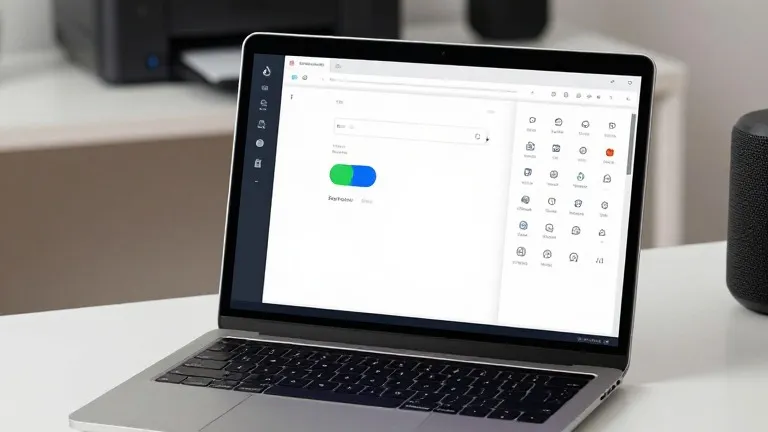
ProtonVPN and NordVPN have added app-level split tunneling controls to their Windows clients. The update allows users to specify which applications connect to the internet directly, while the rest of the system traffic continues through the encrypted VPN bridge.
The primary benefit of this feature is the reduction of speed loss associated with routing all data through a VPN server. Users can now keep bandwidth-intensive applications, such as online games, outside the tunnel for faster connections. Local services, including home printers and smart home devices, can also bypass the VPN to ensure reliable connectivity on a local network.
Split tunneling operates by creating an encrypted bridge for selected data while allowing other traffic to travel unprotected. This prevents internet service providers and local network observers from seeing activity on excluded apps. The feature eliminates the need for users to manually toggle the VPN on and off when switching between different tasks.
The implementation differs slightly between the two providers. In the ProtonVPN Windows client, a split tunneling link is located on the right side of the main console, near options for the kill switch and port forwarding. Once activated, users can choose to include specific apps in the tunnel while excluding all others, or reverse the logic to exclude selected apps while protecting the rest.
NordVPN users on Windows access the feature by clicking the cog icon in the bottom left of the interface. They select Split tunneling from the menu and flip a toggle to enable the function. The interface then displays a list of installed programs, allowing the user to check boxes for applications that should receive VPN protection.
Other forms of split tunneling exist, including URL-based rules that apply to specific domains and route-based rules that rely on IP addresses. These methods are less common in consumer software and are typically used by administrators managing multiple users. Mobile platforms offer similar controls, though iPhones generally restrict users to excluding websites and IP addresses rather than individual applications.
Most VPN providers include some form of split tunneling on their paid tiers. The setup is typically a one-time configuration task. Users can revisit the settings later to adjust which apps are covered, but the feature generally requires no ongoing maintenance once established.
Source: Wired